Background
This is a short update of my current hobby project, you can read the previous parts here:
- MaiSocial - Part 1 (Backend & Frontend initialization)
- MaiSocial - Part 2 (Comment section, Google SSO)
Recently I have been busy & I actually got sick for a whole week, so this update was a bit overdue. This update is going to be a short one, discussing two things:
- Using WebP instead of PNG
- Translating kana to romaji
WebP?
According to Google (the developers of the WebP format), WebP is a modern image format that supports lossless and lossy compression for images. Based on their own research, WebP lossless is 26% smaller compared to PNG, and WebP lossy is 25-34% smaller compared to JPEG with similar quality. As of writing, WebP is supported by at least 95.92% of all users.
The way WebP works is like magic. It uses the values of neighbouring blocks of pixels to predict the values, and then encodes the difference. I’m not a computer graphics expert, so if you want to learn how WebP works in greater detail, Google has an article that you can read here.
Does it actually work?
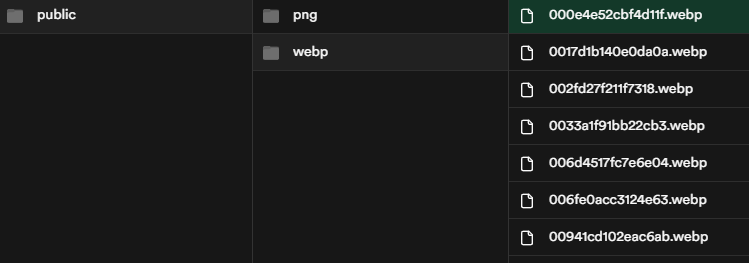
Everything that I said so far is just based on what Google said. But does it actually work? In order to try, I modified my image scraping code to convert the downloaded PNG into WebP using cwebp (documentation here), which is a part of libwebp (downloaded here). I had my code run Node’s execSync to create a WebP image based on the downloaded PNG, and then upload it to Supabase.
The param that I used for the conversion is -q 80 -m 6.
-q 80means the compression factor, a value between 0 - 100. Lower means less compression, higher means more compression.-m 6means the compression method, a value between 0 to 6. Higher value means more time to compress the image, while lower means faster image compression (but resulting in higher image size & lower image quality).
Here is the original image:
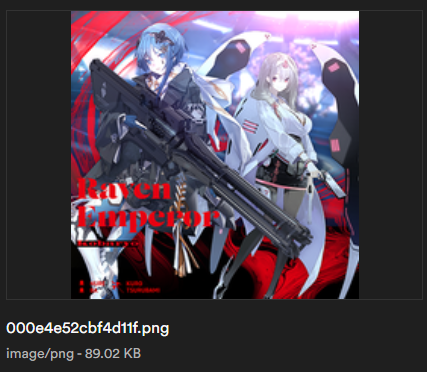
So the original PNG image that I downloaded from sega was 89 KB. What about the converted WebP image?
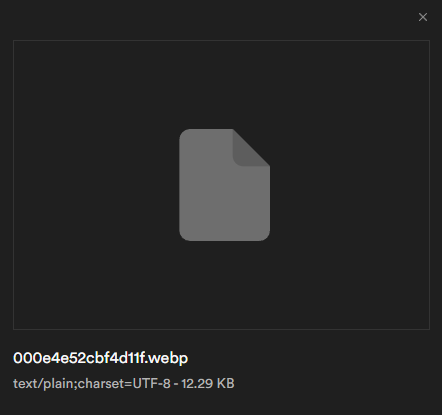
Supabase’s preview might be broken, but you can preview it yourself here. The image is 12 KB, which is a whopping 86% image reduction.

You might think that a 77 KB size reduction won’t mean much, but what I’m compressing is the song’s cover art. When loading multiple songs, the size difference will add up.
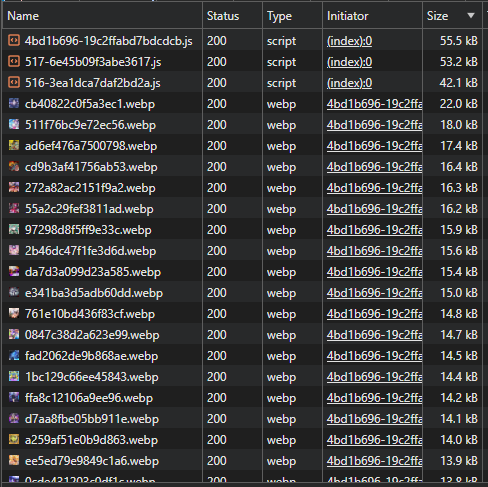
For example, I loaded ~70 song information in this screenshot. If each image was ~80 KB instead of ~10 KB, you can imagine how it adds up.
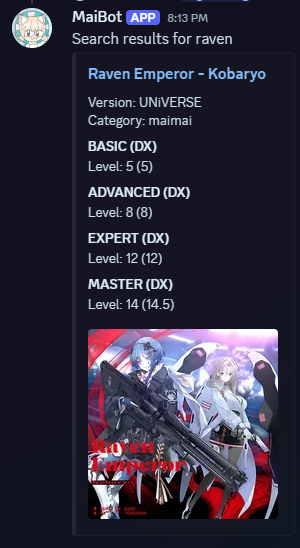 The neat part is that it works with my Discord bot. The embed image will still show on the message, which is neat.
Fuzzy title search
Since maimai is a rhythm game made by SEGA, it’s natural that their songs have titles in Japanese. The problem for us international players is that we memorize the romaji, and we might not always have access to Japanese keyboards in order to type hiragana/katakana/kanji. In order to accomodate searching by romaji, I had each song store an alterate title, which was translated using kuroshiro, a npm library. After translating, the translated output might have macrons (e.g. ō, ū) for translations ending with ~ou, or ~uu. A simple string replace fixed this problem.
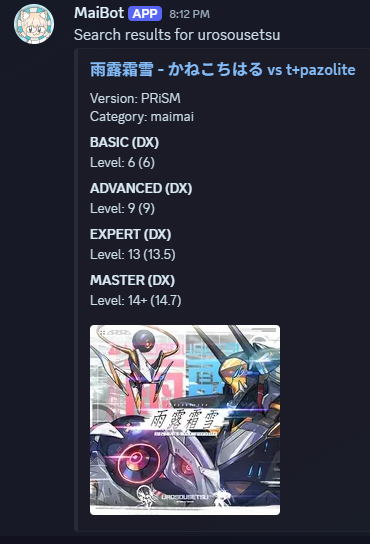 I added an optional
 fuzzy parameter so that the search is more of an opt-in rather than an opt-out.
What’s next
There are still a few features that I want to make, such as:
- User generated playlists
- Comment report system
- Comments page (users can see a list of their comments & can delete them from this page)
But honestly I’m not sure if I can do it in the near future. I have a lot of other things that I’m preparing for:
- JLPT N3 this July
- Garmin 5k run this September
I think I’ll continue the project after the exam this July. Until then, see you later!