Background
This is a continuation of MaiSocial - Part 1, feel free to read that section first.
On this part, I wanted to add a few features:
- Google SSO using Supabase
- There is no particular reason why I avoided using Firebase, I just wanted to explore Supabase
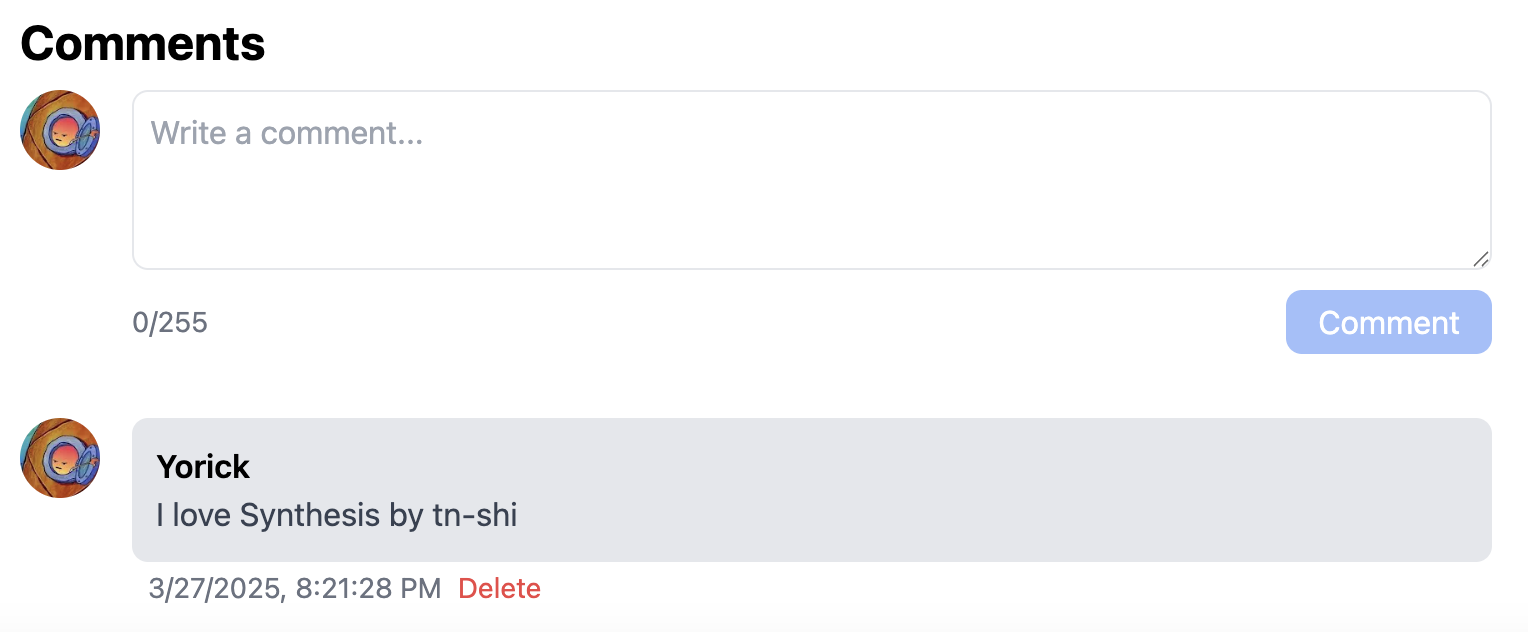
- Simple comment section under each song
- I will not be doing replies or nested comments (at least for this part)
- Nickname
- By default, I will use their UUID provided by Supabase, because I don’t want to leak their email or name
- I won’t have any unique nickname checking (for this part at least)
Authentication
Supabase
Configuring Google Auth to work with Supabase is pretty straightforward, personally for me Supabase’s docs has a pretty detailed explanation on how to set it up.
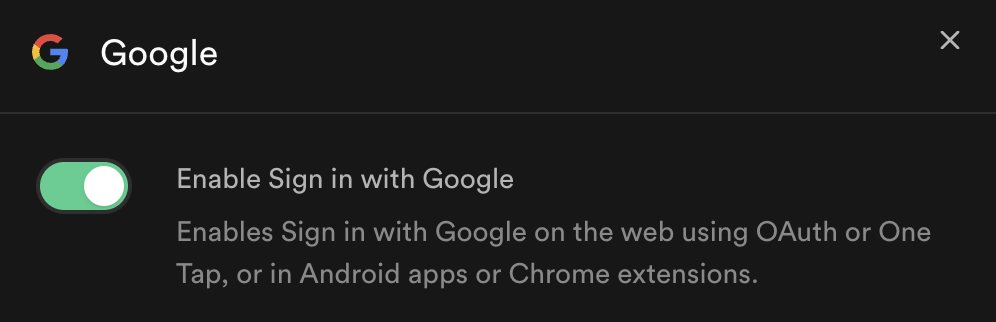
After toggling on Enable Sign in with Google, you should get the required credentials (client secret, client ID, callback URL).
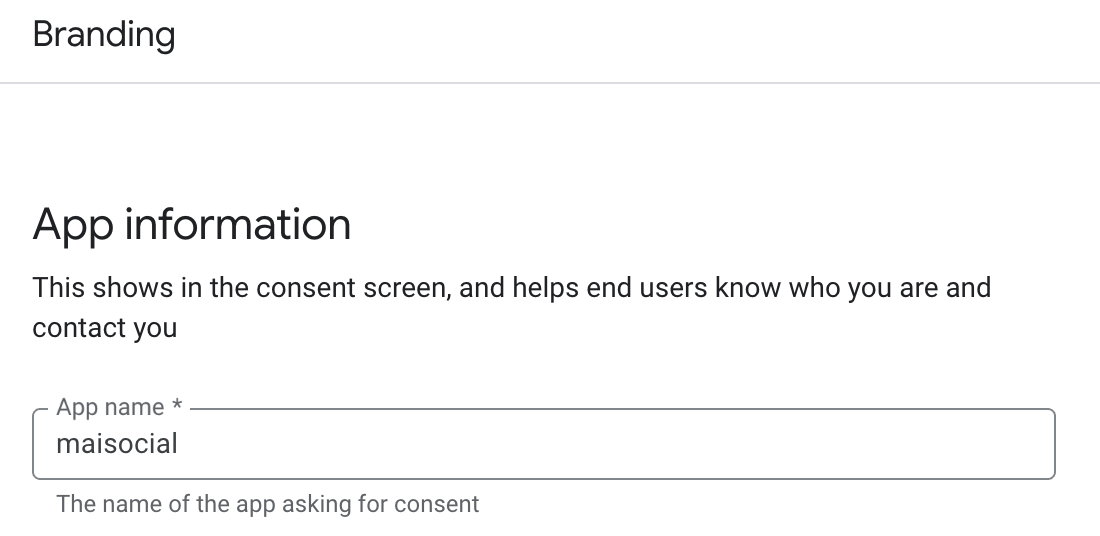
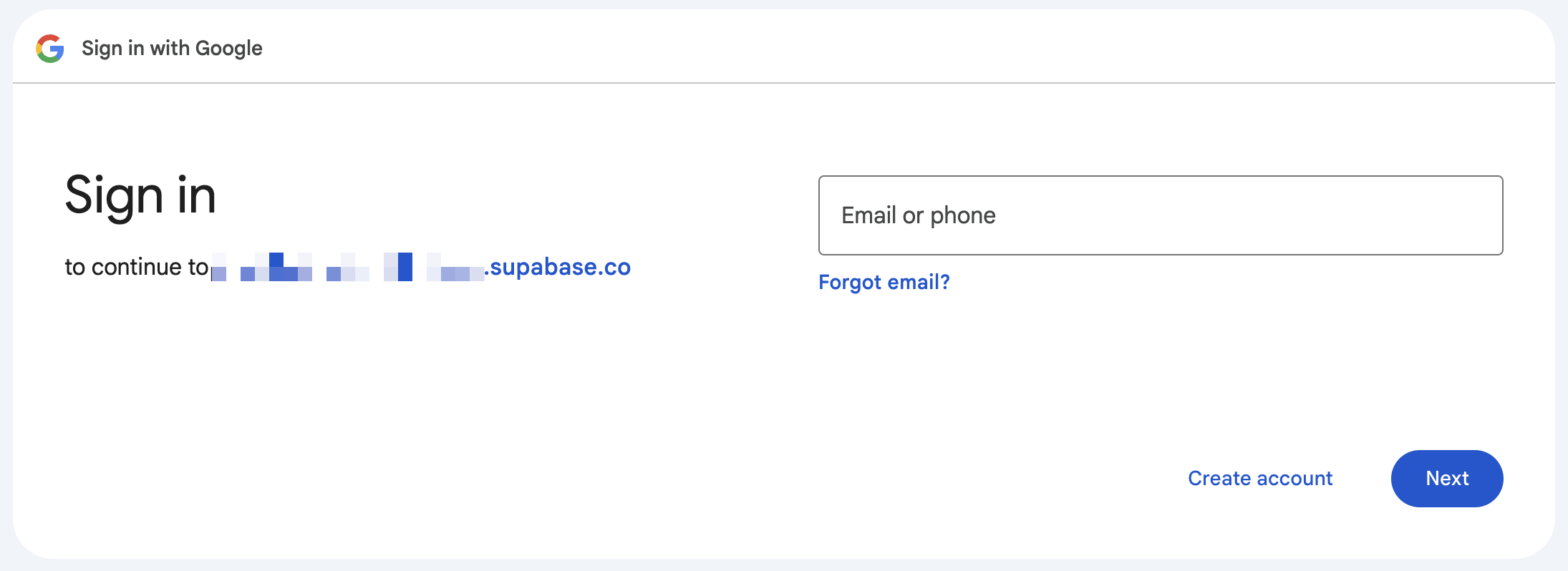 The only thing I didn’t liked is on the sign in page, it shows my Supabase project’s domain, instead of what I inputted as my app name. I could try to change it to my custom domain to prevent this, following their docs, but using custom domains in Supabase costs $10 a month. Alternatively, I could follow Google’s verification process, but that seems kind of painful because I would have to prepare a privacy policy page following their specifications.
Frontend
Implementing Auth on the frontend should be simple enough if I don’t want any fancy features. Once again, Supabase’s docs are pretty explanatory, at least for me. My signIn function looked like this:
await supabase.auth.signInWithOAuth({
    provider: "google",
    options: {
        // Making sure that localhost redirects to localhost, while production redirects to production
        redirectTo: window.location.origin,
    },
});
Fetching a user’s session can be done by calling supabase.auth.getUser() or supabase.auth.getSession().session.user. If you want to be extra fancy, you could create your own context so that child components can use the context’s session value.
Comment
Schema
I decided to make my comment schema look like this:
export const CommentSchema = new mongoose.Schema({
  _id: Types.ObjectId,
  parentId: String,
  userId: String,
  nickname: String,
  profileImage: String,
  content: String,
  createdAt: Date,
});
- parentId is currently the song ID, but it can be other things in the future.
- userId is the commenter’s ID. I need this because a user can only delete their own comments. This could also be used to list down all comments made by a particular user.
The schema may change in the future, but this is how it currently works.
Backend
In order to check if an incoming request can post a comment or not, I created my own middleware/guard in NestJS that checks if a request has a valid Supabase token or not. The best part about using Nest is that Supabase’s SDK is an npm package, so I can install the same package for my frontend and backend.
async canActivate(context: ExecutionContext): Promise<boolean> {
    const request = context.switchToHttp().getRequest<Request>();
    const token = this.extractTokenFromHeader(request);

    if (!token) {
        throw new UnauthorizedException();
    }

    try {
        const {
            data: { user },
            error,
        } = await this.supabase.auth.getUser(token);

        if (error) throw error;

        // Attach the user to the request object
        request.user = user;
        return true;
    } catch {
        throw new UnauthorizedException();
    }
}
Alternatively, you could go to your Supabase project > Project Settings > Data API > JWT Secret & use the value to decode Supabase’s JWT without calling Supabase at all.
I also used Nest’s throttler for simple rate limiting.
Nickname
Now this is the tricky part. I could store the user’s nickname on MongoDB, but then I would have to do an extra call to MongoDB for fetching the nickname of the user.
The approach that I took is to save the user’s nickname on Supabase by saving it to the user_metadata object.
It works, but the main problem with this is that the update is done by frontend calling Supabase directly, so my Nest backend has no idea that the nickname changed. This causes old comments by the user to retain their old nickname, which may or may not be the intended behavior that you want. It is not what I wanted, so my approach on handling this is to:
- Implement my own update nickname API for my Next frontend to hit
- Use Supabase’s auth admin library to update the user’s nickname based on their ID
- Update all comments with the user’s ID with their new nickname
- Refresh the user’s session after they update their nickname
For extra precaution, I will update all of the user’s comments with their new nickname whenever they post a comment. I wouldn’t have to do all of this if I used a relational database, because when querying, they will fetch the latest value.
Closing thoughts
If there is anything that you can take from reading my journey so far, it is that use relational databases for relational purposes. I forced myself to use MongoDB to learn how it works, but if I were to remake this project once more, I would definitely use a relatioinal database.
There are some more features that I want to build (in no particular order):
- View all of your comments in a single page (currently you don’t know which songs you’ve commented on)
- Comment report system
- Save favorite songs / create playlists
- Compress song thumbnails by converting to WebP
I won’t be coming back to this project for a while, because there are a few other stuff I want to do first. I want to level up my PoE1 character to level 80 before the Legacy of Phrecia event ends on the 23th of April. I also want to catch up on my games backlog that I’ve been putting off lately.
See you on part 3!